Turn one rule into a sentence
C# becomes easier to learn when every concept describes a behavior you can see. A variable can hold a score, a condition can reject an illegal move, and a method can reset a hand. Begin with that relationship before trying to memorize a large vocabulary.
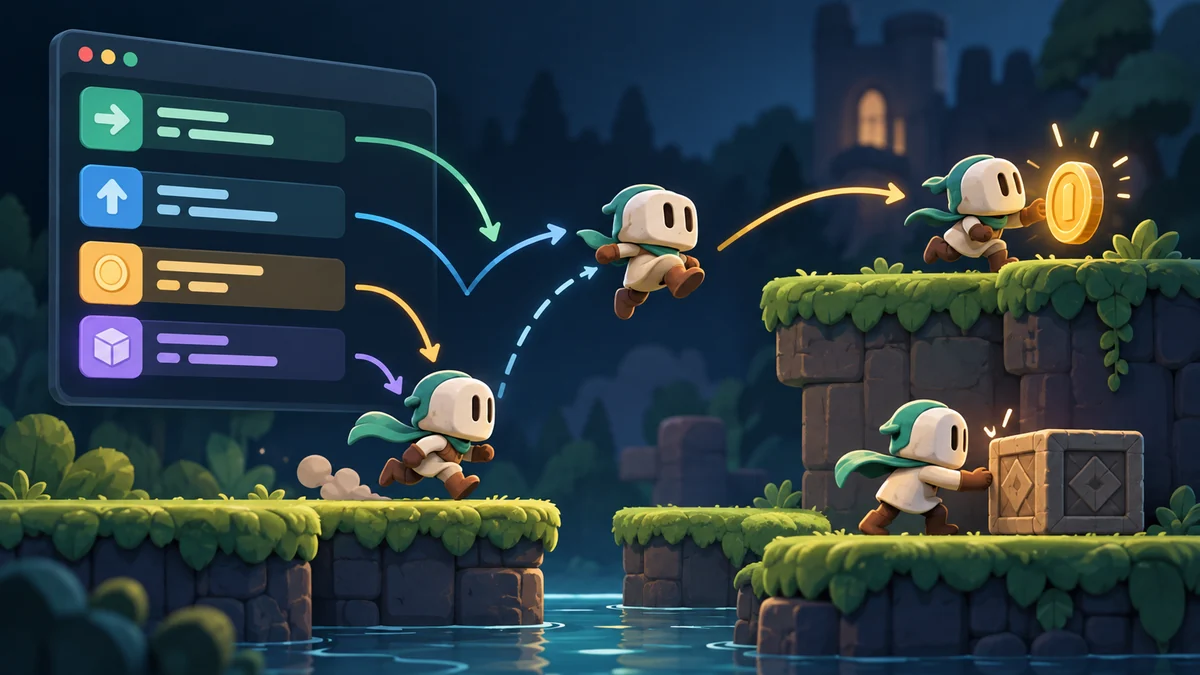
Suppose the game checks whether the player chooses the appropriate card. Its rule is: add one point if the choice is accepted. A score variable now has a purpose, a condition asks about acceptance and a method performs a particular job. Name these parts according to that meaning so the code remains readable a few days later. Starting does not require knowing every language feature. It requires following one behavior from request to decision to numerical change and recognizing the distinction among those stages.
Try three cases separately
Write the scoring rule as a sentence before implementing it: an accepted move adds one point, an invalid move adds none, and restart resets the score. Exercise all three cases. Notice that the exact variable name matters less than the contract. Once this behavior works, add a visible explanation so someone can connect the number change to their own action.
A common mistake increments the score in every click response and validates afterward, giving invalid clicks an effect. Write the intended order: receive the request, check the rule, apply the outcome and refresh the view. That sequence guides investigation when behavior breaks. Restart must reset both logical score and visible text. Clearing only the label leaves the underlying score intact, allowing the discrepancy to return on the next update.
Where does the displayed number come from?
Once the three main cases work, change accepted-move points from one to two. If that requires editing unrelated places, check for copied rules or a displayed number calculated independently. This small experiment is more instructive than memorizing design patterns because its effects are visible. Parameters, return values and a small class can then be learned in response to this behavior’s needs. Each new concept should clarify a problem you can actually observe.
Further reading: Unity: Gameplay programming
For a related example, read Hokm in Dalo: Giving an Opponent Decisions.