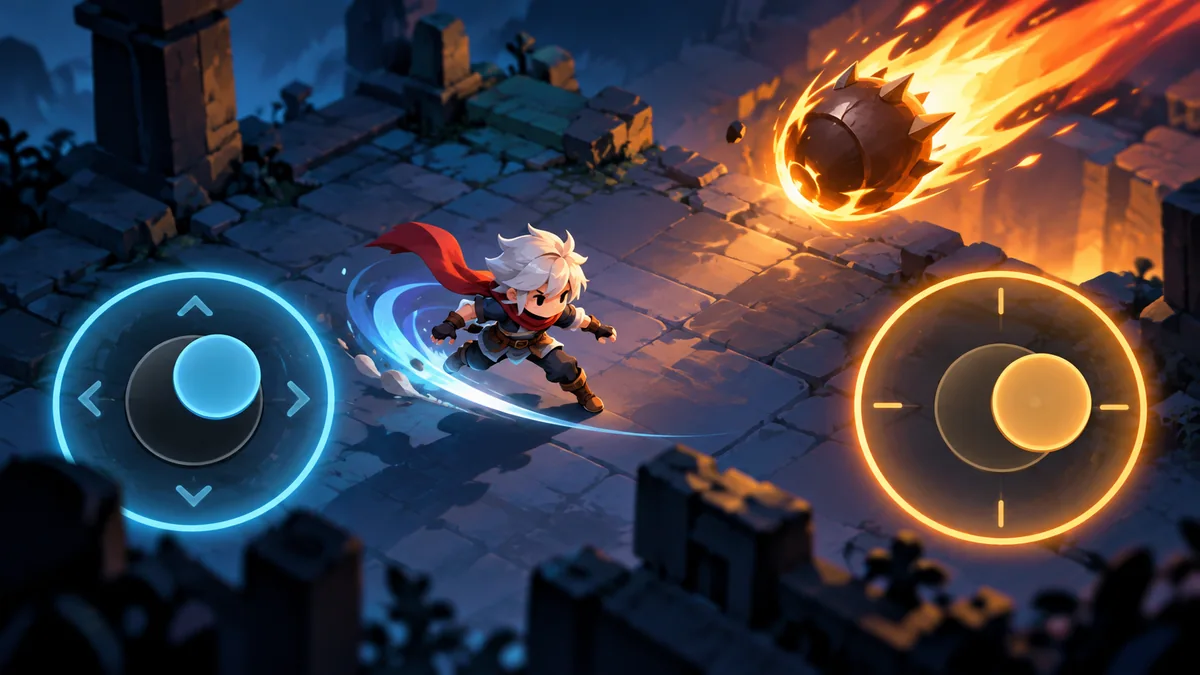
Independent movement and aiming are a central control question in the current BoomBo concept. Moving left while aiming right lets a player manage position and attack direction separately. That freedom can create satisfying decisions, but only if the interface makes both intentions understandable. BoomBo is still in development, so this article describes a design direction and a prototype method rather than a promise about the released controls.
Current Direction and Design Reasoning
Treat a touch contact as an owned interaction. The finger that begins inside the movement region should continue controlling movement until it lifts, even if it slides outside the visible ring. A second finger should own aiming rather than steal the first interaction. The centre dead zone can reject accidental drift, while the outer range can normalize movement speed. These rules should be explicit so resizing the controls does not silently change how the character behaves.
A Reviewable Scenario
A useful test asks the player to circle a stationary target while keeping the weapon pointed toward it. Compare clockwise and counterclockwise movement, then swap the control sides. Record moments when the wrong finger takes control, aiming stops unexpectedly or the player covers an important threat. An apparent combat difficulty may actually come from the position of the hands. Testing on a real phone matters because screen edges and grip change the available space.
Related Systems to Review Together
Multitouch: Assigning Each Finger to the Right Control
Finger ownership should begin when a touch is accepted by a control and end when it lifts or is cancelled. Tracking the nearest finger each frame can swap movement and aim unexpectedly. Keep independent IDs and handle lost focus as cancellation. Reused touch IDs should begin fresh interactions rather than resume old state.
Mobile Joystick Dead Zones: Preventing Accidental Drift
A joystick dead zone rejects small motion near the centre. Too little can create drift; too much makes deliberate movement feel delayed. Decide whether output jumps at the boundary or is remapped smoothly outside it. Measure normalized distance so screen resolution and control size do not change the rule accidentally.
Pausing a Game: Cancelling Unfinished Inputs
Pausing can leave held actions, queued presses or drag operations unfinished. Decide which interactions are cancelled and which can resume. Requiring a fresh press after resume often avoids accidental attacks, but continuous movement needs a consistent rule too. Clear both gameplay input and associated visual feedback, including pressed button states.
A Practical Checklist
- Give each control a persistent finger ID.
- test diagonal movement without increasing top speed.
- test pause and resume after both fingers have been released.
Limits and Misinterpretations
Do not infer finger ownership from its current position alone; do not carry a held attack through a pause without a defined rule; do not make the joystick artwork the only place input works.
Next Step and Review Criteria
Keep the first prototype small enough that one control change can be compared fairly. A second build can adjust only dead zone or button placement while retaining the same target room. Ask whether misses come from intention, touch interpretation or projectile behavior. That separation prevents tuning the weapon to compensate for a faulty control. The final layout remains open until the evidence supports a comfortable default.
Frequently Asked Questions
Will two-stick controls be final?
They are a current direction; the released layout has not been finalized.
Should movement and aiming share one finger?
That produces a different interaction model and should be evaluated separately.