Write down the failure first
Debugging starts with a reproducible observation. Record the actions, expected result and actual result before changing code. Unity supports managed-code debugging, but a breakpoint is most useful when you already know which question you want to ask at that point.
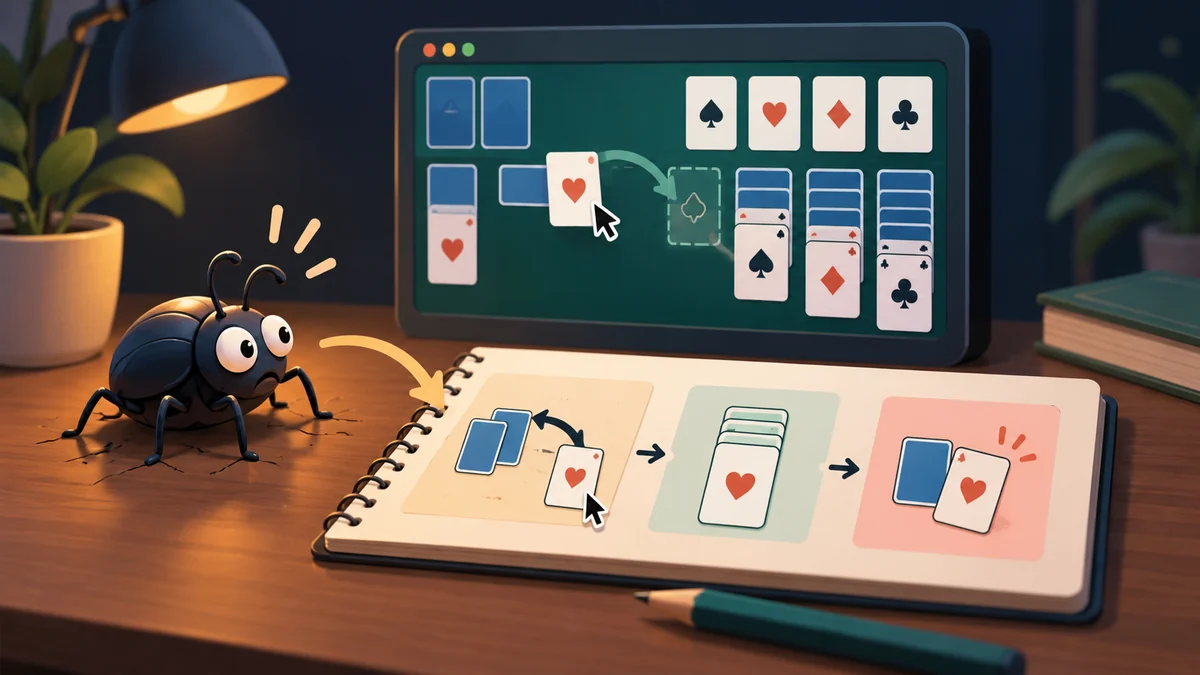
If the score rises twice rather than once, resist changing every script. Record the starting screen, touches and expected number. Repeat that route to learn whether the failure is reproducible or depends on another condition. “Sometimes broken” offers little direction; “after returning to the menu, every selection gives two points” narrows investigation. The precise description also lets a teammate observe the issue without a lengthy verbal explanation. That is useful evidence before any debugger is attached.
Pause at the useful moment
Take one score failure and write a minimal sequence: open the game, make a specified move, observe the number. State the expected number separately. Add a breakpoint or a temporary diagnostic at the step where accepted input becomes a result. Follow the value rather than guessing from the final screen. Remove temporary diagnostic noise once the explanation and correction are clear.
Pause where the score is applied and ask why execution reaches it twice. Inspect old and new values and the calling path. The rule may be wrong, or a listener may be registered twice. Console messages help bounded questions, but hundreds of unlabeled messages obscure context. Logging observes rather than repairs: printing that the score changed does not fix its cause. Unity’s managed debugging documentation provides tool-connection and breakpoint details for your environment.
Verify with the same route
After the fix, repeat the original route and nearby ones: direct entry, returning from the menu and restarting. Repairing the report while breaking ordinary play is incomplete. Keep a short cause note for future investigations. Unusual failures do not always demand a rewrite; removing a duplicate subscription may suffice. Match the change to the observed cause, and verify player behavior rather than merely checking that a red message disappeared.
Further reading: Unity: Managed-code debugging
For a related example, read Hokm in Dalo: Giving an Opponent Decisions.