The problem I needed to solve
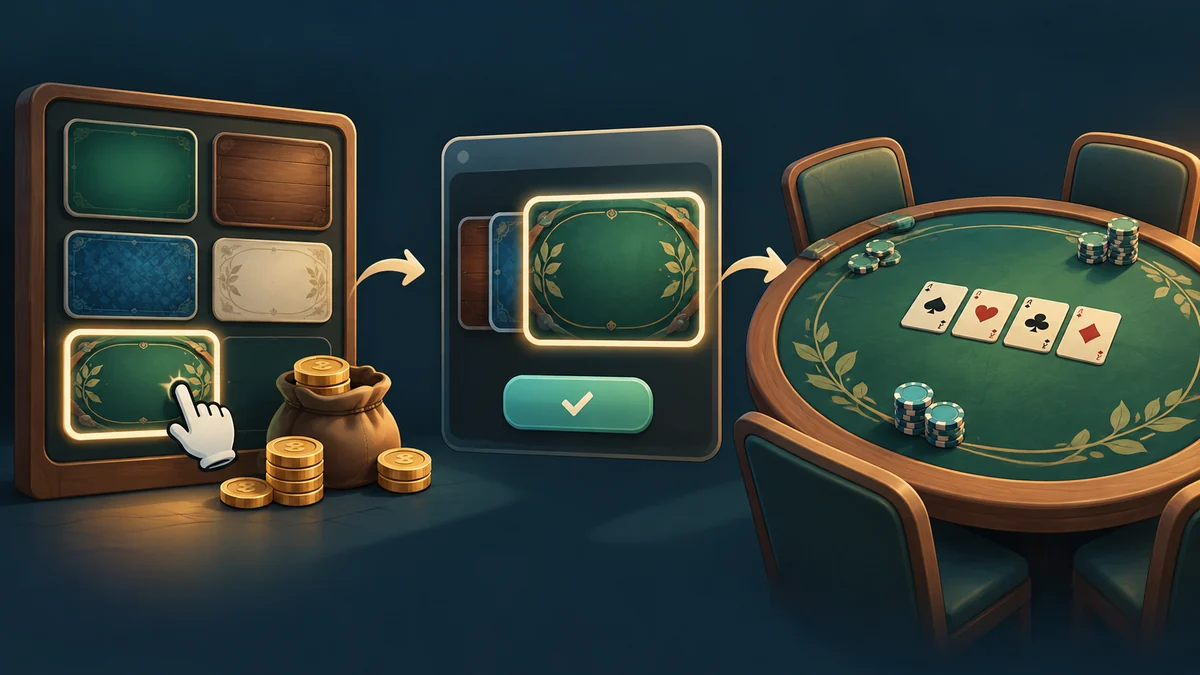
Buying a background matters when the choice appears in gameplay. I saw ownership, equipping and applying imagery as three separate stages.
Implementation in this snapshot
CustomizationRuntimeApplier.ApplyToScene loads save data and CustomizationCatalog, finds equipped IDs, and applies skin and background. It traverses components only within the specified scene.
The design decision and its cost
GameVisualConfig receives a card override, while HokmBoardBackgroundView receives the background. Missing data clears overrides so an earlier choice does not remain accidentally.
Current boundaries
ApplyToActiveHokmScene’s name should not obscure shared usage; ApplyToScene is more general. Nevertheless, views must support that path, and catalog caching has a defined lifetime.
Review scenarios and contract meaning
To follow the experience, I ask three questions in order: does the player own the table, is that table equipped, and does the destination display it? A successful purchase alone does not answer the other two. Applying settings on scene entry connects saved selection to visual components. Restricting traversal to a specified scene matters when multiple scenes or surviving objects exist; a background change should not indiscriminately affect every similar object in memory. The equipped identifier must resolve in the catalog along this path.
Clearing an override when selected data is missing prevents an earlier appearance from lingering. That decision is understandable for catalog changes or absent assets, but the destination still needs a suitable visual default. Review extends beyond the shop: entering gameplay, changing the selection and entering again, and selecting an identifier whose data is gone examine different stages. The historical Hokm function name should not obscure ApplyToScene’s broader scope. Equally, a general name does not make every new view support customization automatically. Destination components must actually consume the skin and background contract.
The selection catalog and receiving view are the two sides of this path. A catalog asset without a suitable scene consumer does not display automatically. My simple criterion is seeing the selection at its actual destination. A shop preview alone does not establish the connection among saved data, identifier and scene component.
What this stage taught me
For me, customization needs to reach its destination. The shop explains ownership; the experience becomes complete when card faces, opponent backs and the table reflect the same choice.